AI Upscaling
Four specialised models — because one-size-fits-all upscalers don't exist.
How It Works
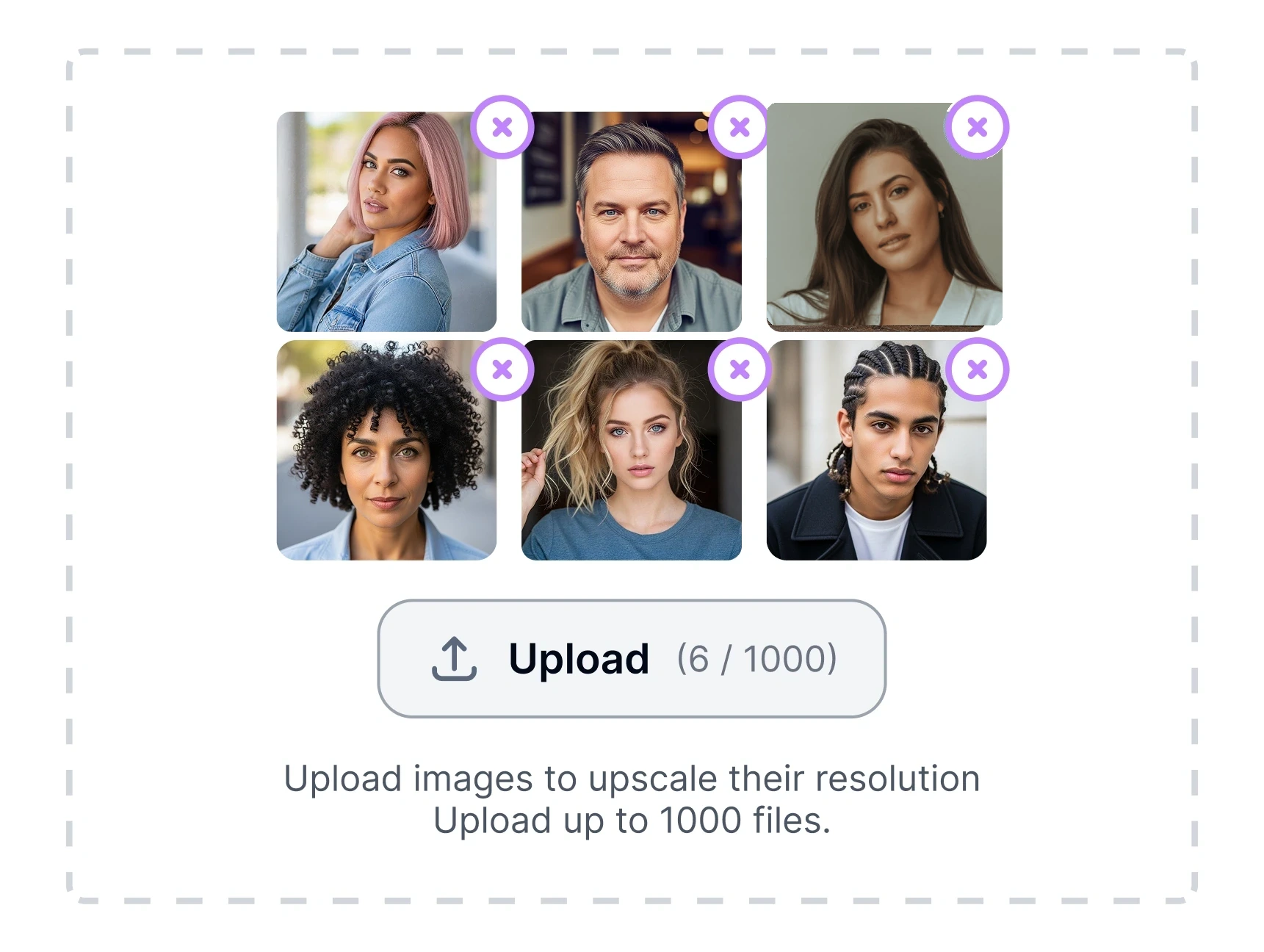
Upload Media
Drop in any JPG, PNG or WEBP (up to 8K). Images queued for fast GPU processing.
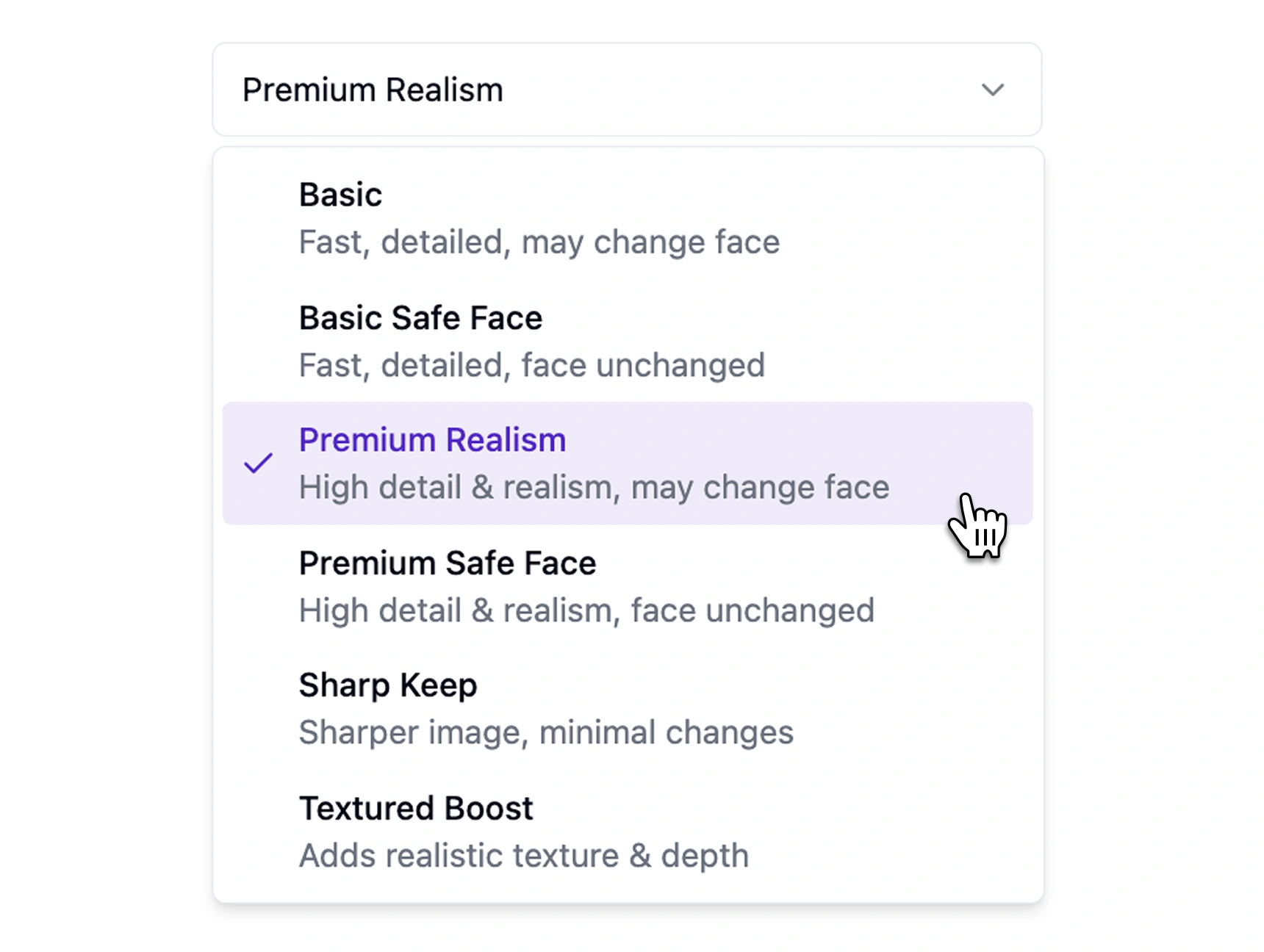
Pick Your Upscale Mode
Basic • Face-Safe • Textured • Full Restored. Tailors enhancement to your quality vs. fidelity needs.
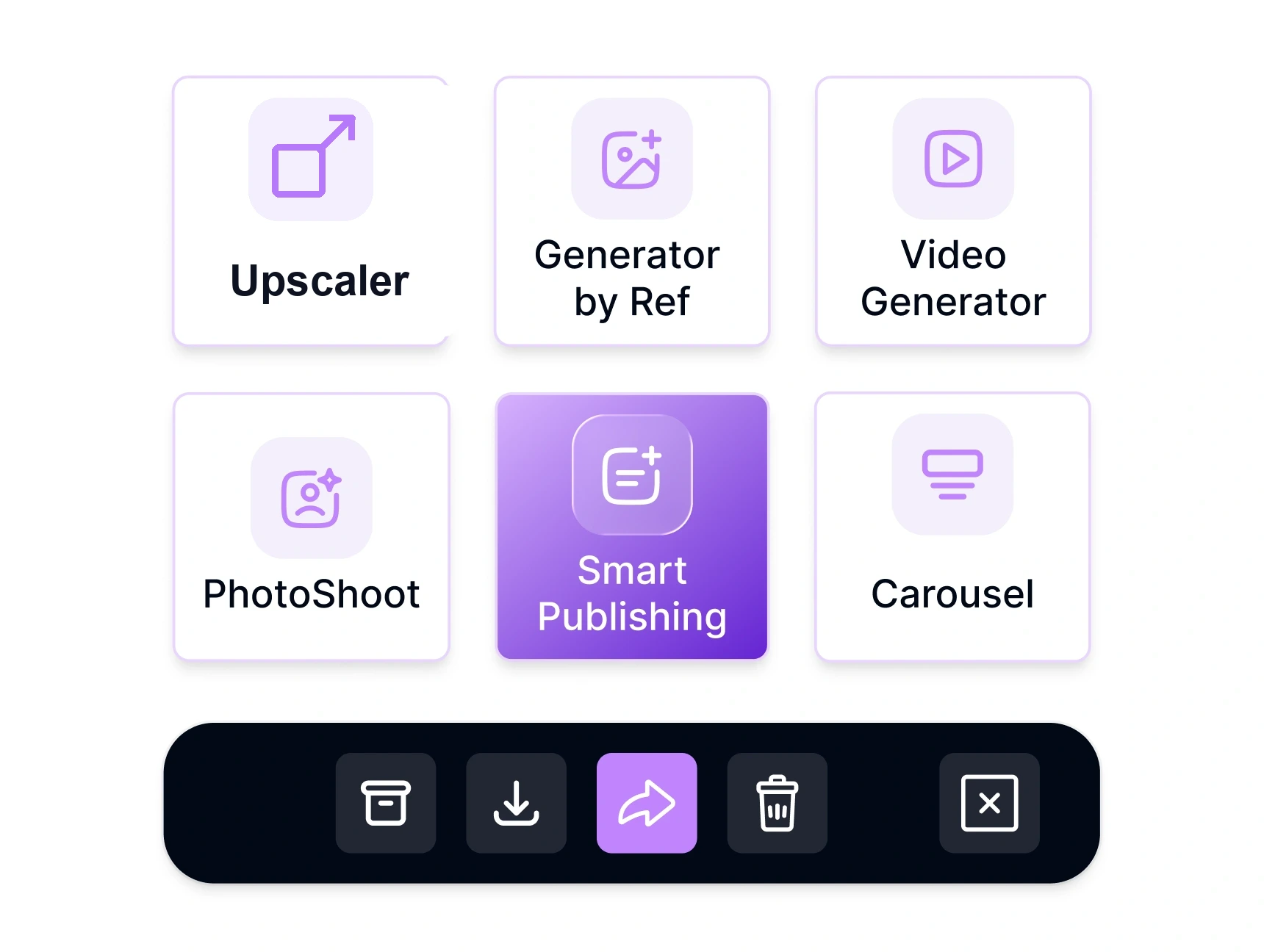
Launch & Download
Click Upscale — process single shots or entire folders. Export, send to another ZenCreator tool, or publish directly.
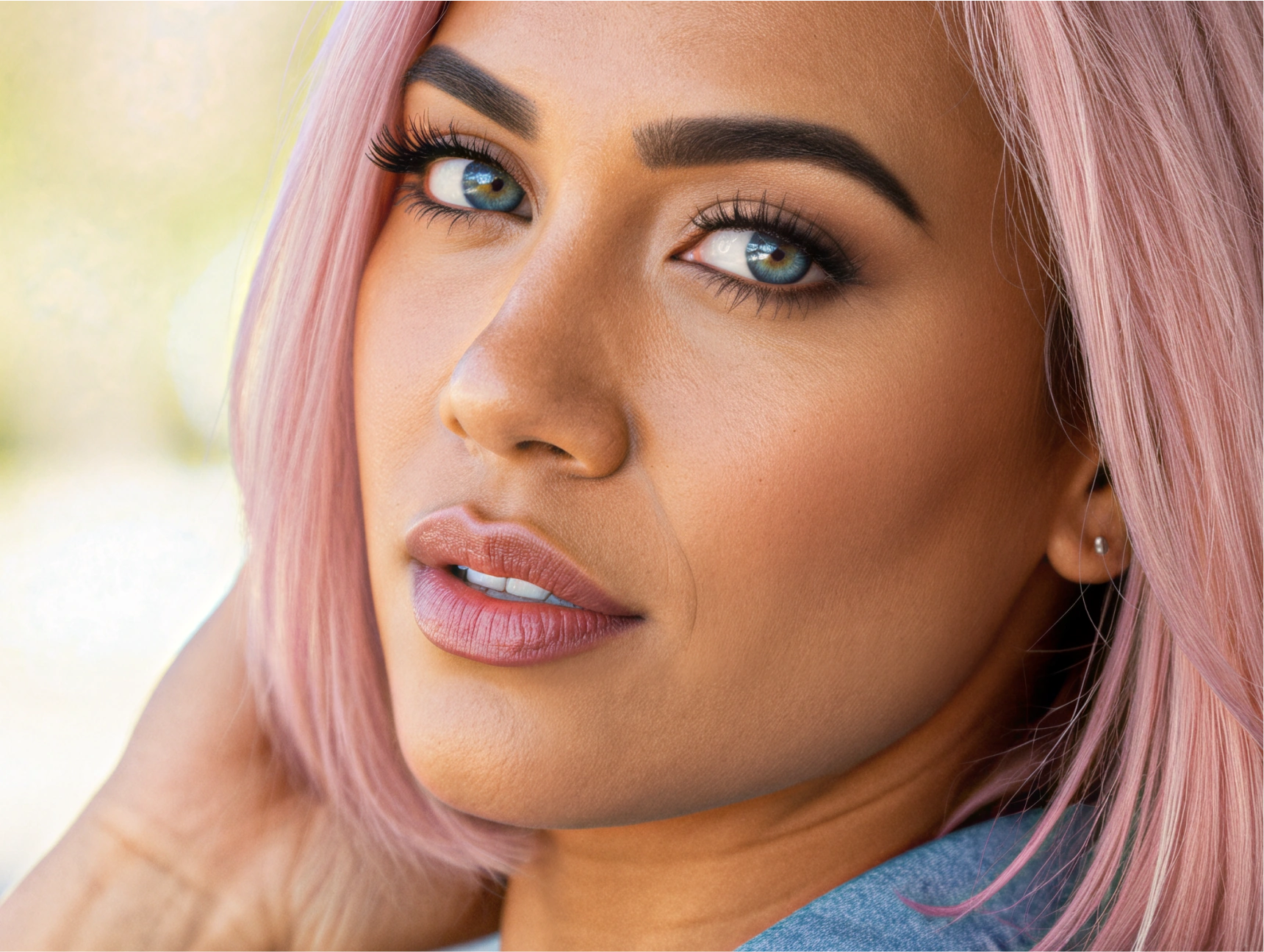
Results Ready
Get crystal-clear upscaled images up to 4× original resolution, ready for any platform or use case.
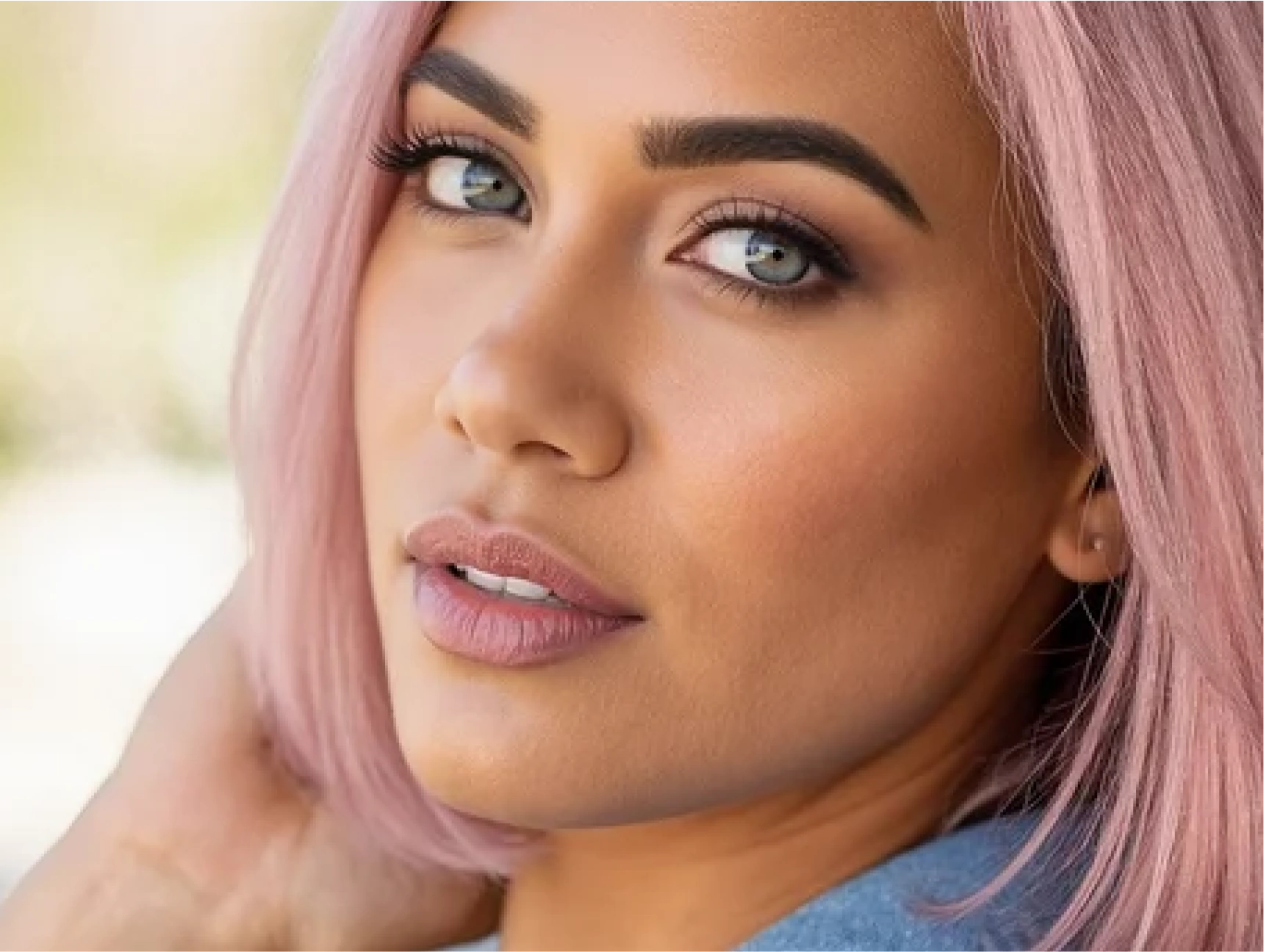
Four Upscale Modes
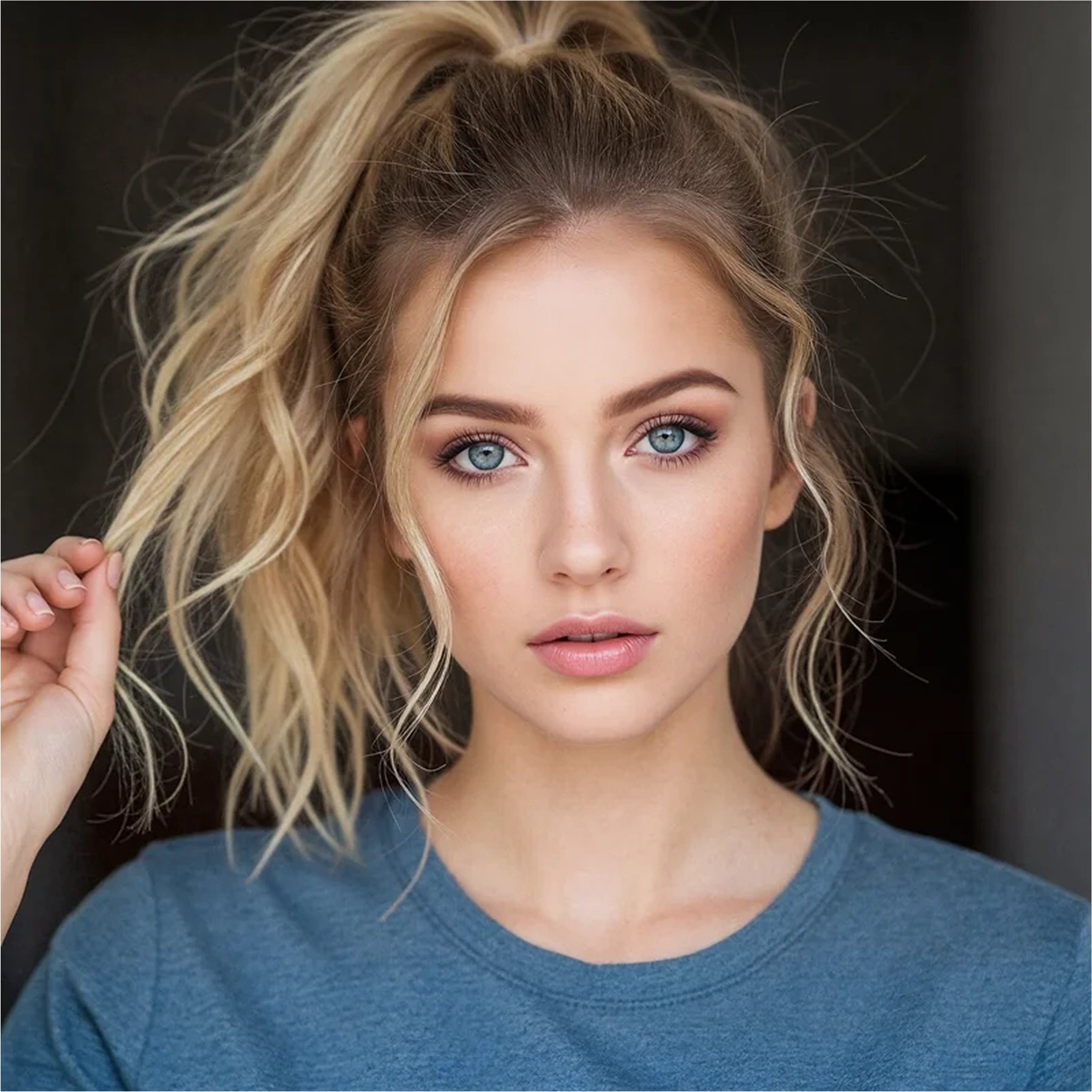
Face-Safe
Preserves facial features with zero distortion. Perfect for portraits and people-focused content.
- Facial landmark protection
- Natural skin texture
- Expression preservation
- Zero artifacts
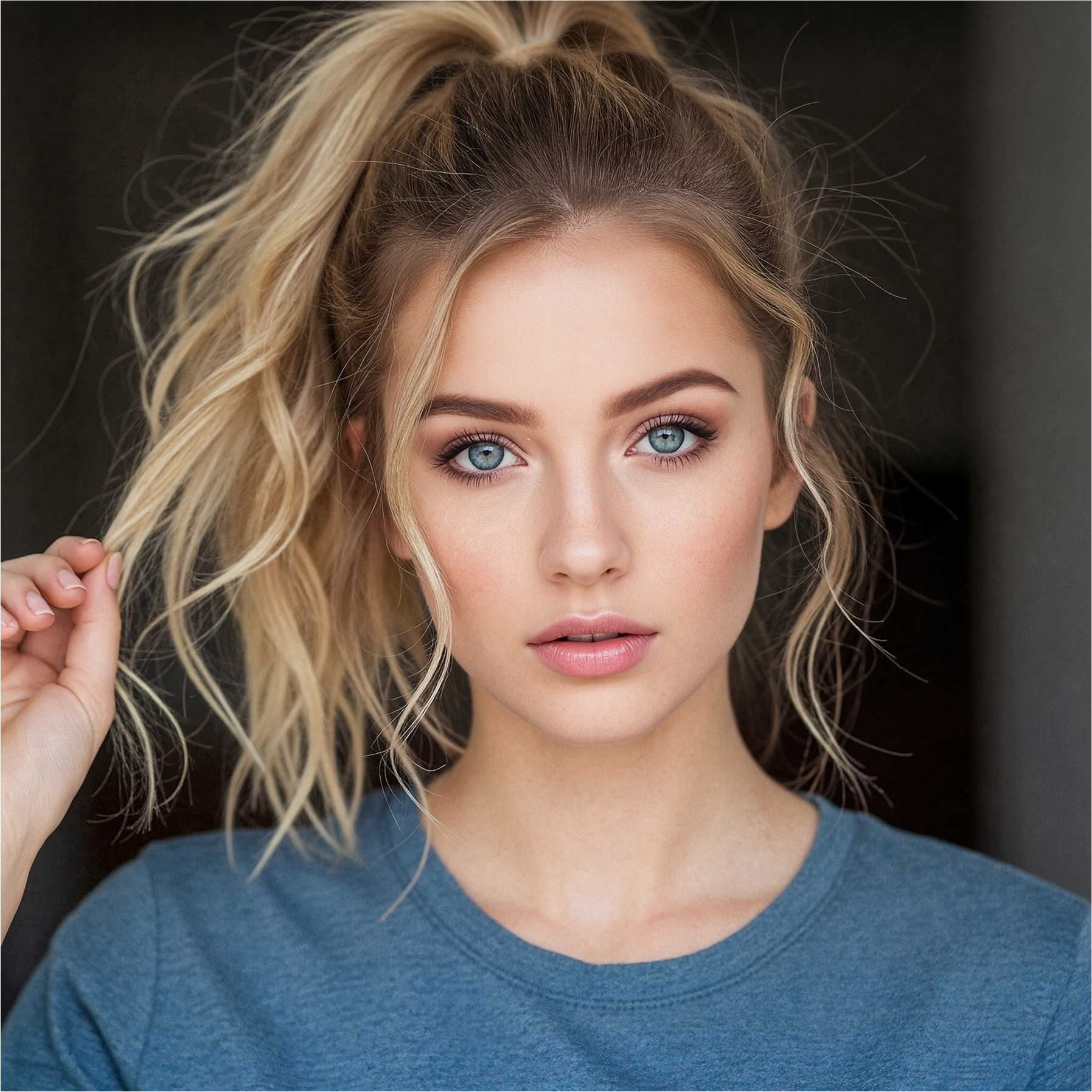
Basic
Fast, general-purpose upscaling for everyday photos and graphics.
- 2x speed advantage
- Universal compatibility
- Clean edge enhancement
- Batch-optimized
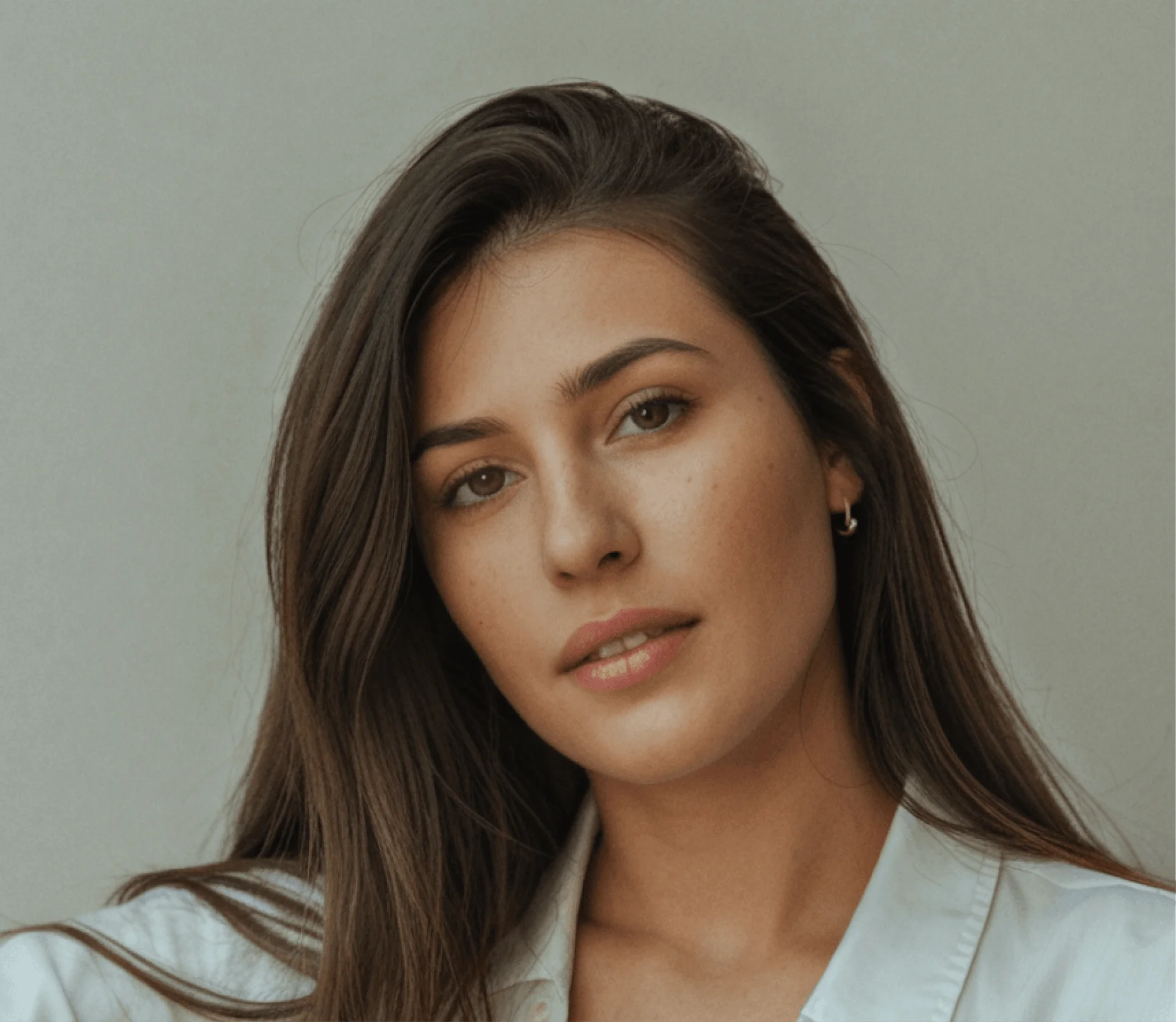

Textured
Enhances fabric, hair, and surface details. Ideal for fashion and product photography.
- Fabric detail enhancement
- Hair strand definition
- Surface texture boost
- Material clarity
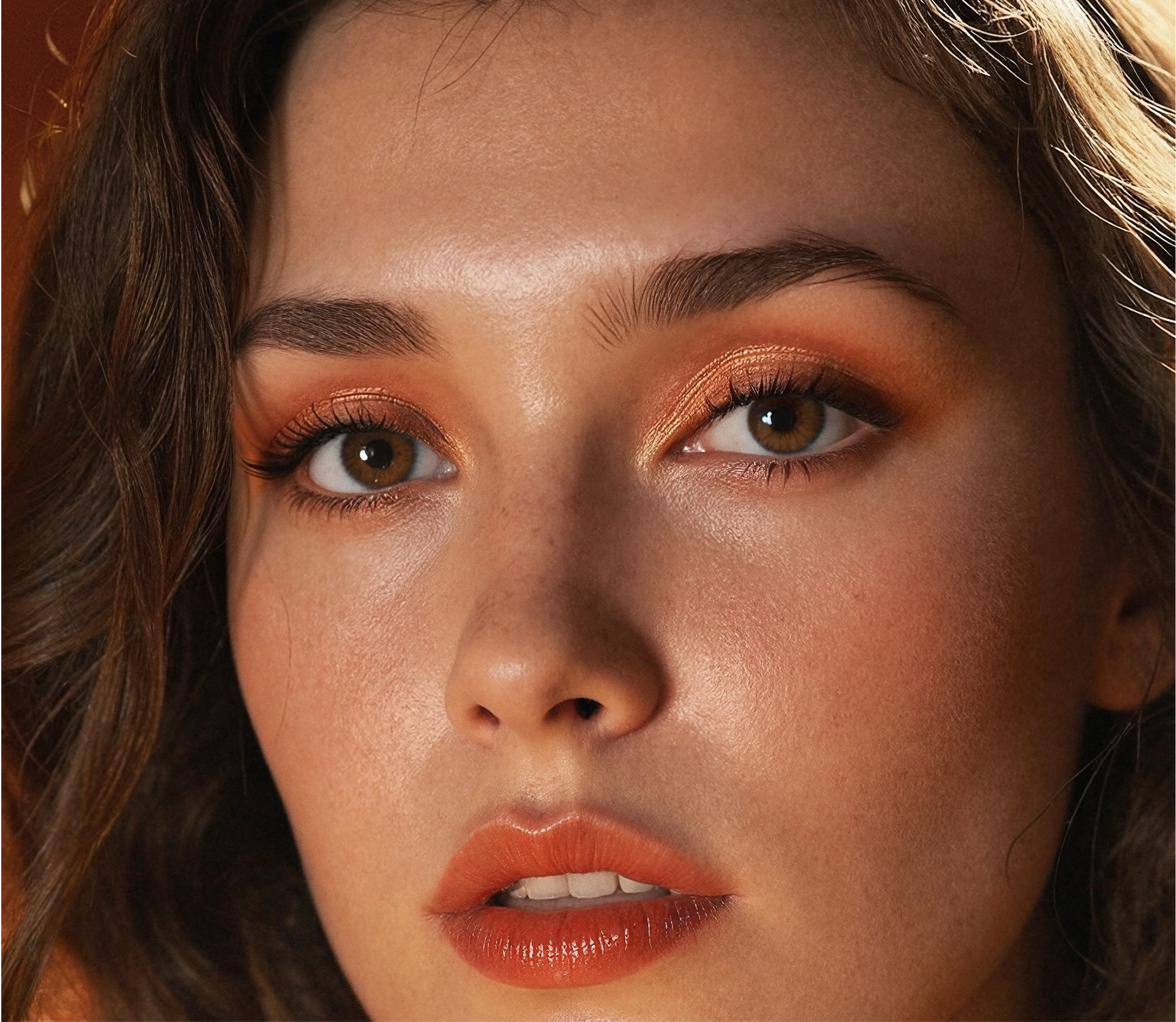
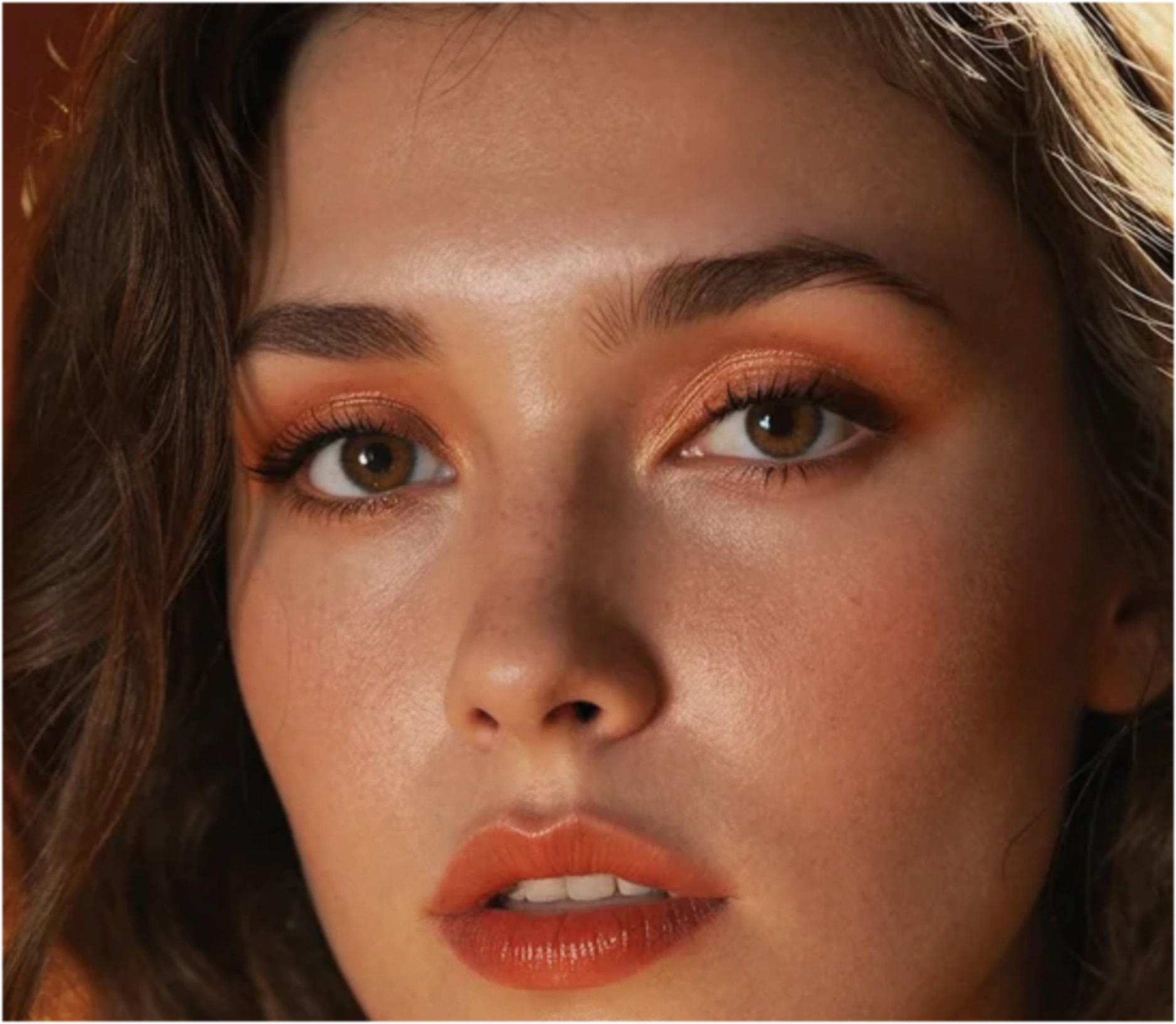
Full Restored
Maximum quality restoration for damaged or low-quality source images.
- Noise reduction
- Artifact removal
- Detail reconstruction
- Color correction


Switch modes on the fly; pay only for processed pixels.
Key Features
Four specialized AI models with context-aware enhancement — because one-size-fits-all upscalers don't exist.
Context-Aware AI
Smart Region Detection
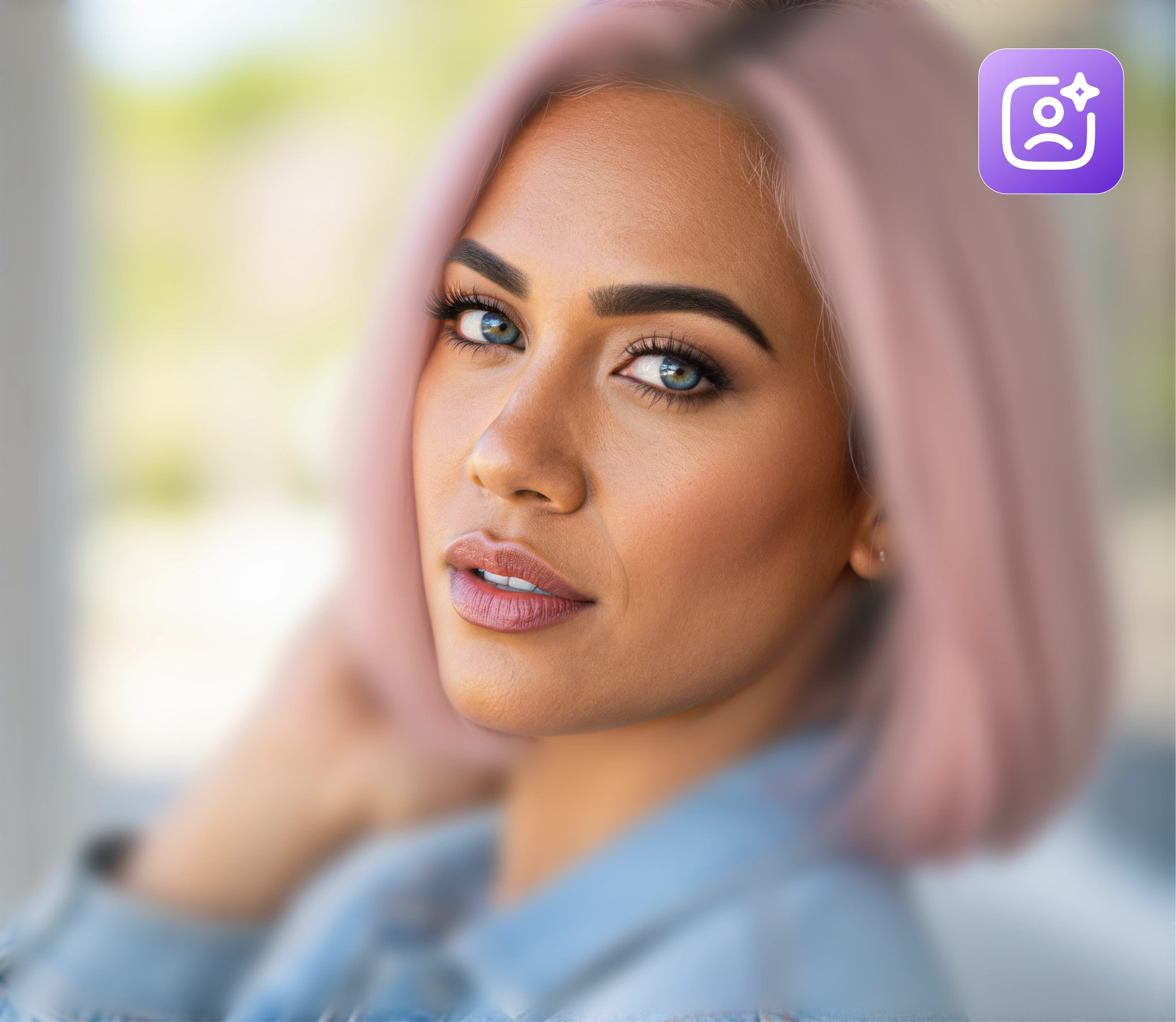
Identifies faces, skin, fabric, and backgrounds; applies specialised enhancement per region for optimal results.
True 4K Output
Crystal Clear Results
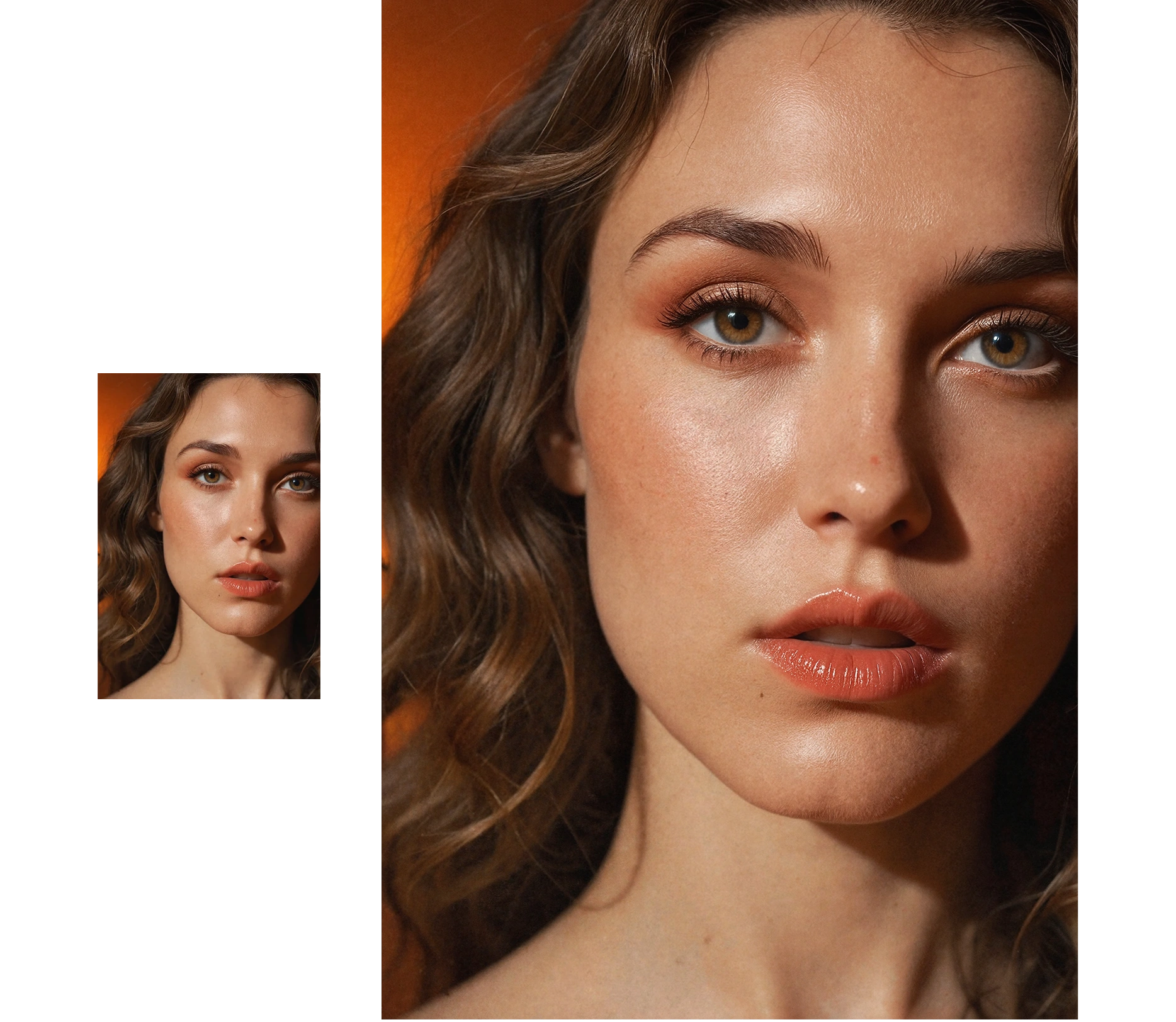
Clean lines, no halo rings or cartoonish oversharpening. Professional-grade enhancement that preserves natural detail.
Batch Processing
Scale at Speed
Upscale hundreds of images in parallel; track progress in real time. Perfect for large campaigns and content libraries.
Built For Teams Who Need to…
Publish sharp visuals across high-DPI mobile feeds.
Rescue legacy or user-generated images for new campaigns.
Batch-enhance product catalogues without manual editing.
Frequently Asked Questions
Ready to turn grainy pixels into crystal-clear assets?
More Magic Tools

Video Generator
Try it Now
Video-to-Video
Try it Now

Editor/Combiner
Try it Now

Text-To-Image
Try it Now

Image-To-Image
Try it Now

Upscaler
Try it Now
Face Generation
Try it Now


Carousel
Try it Now


Collabs
Try it Now
